
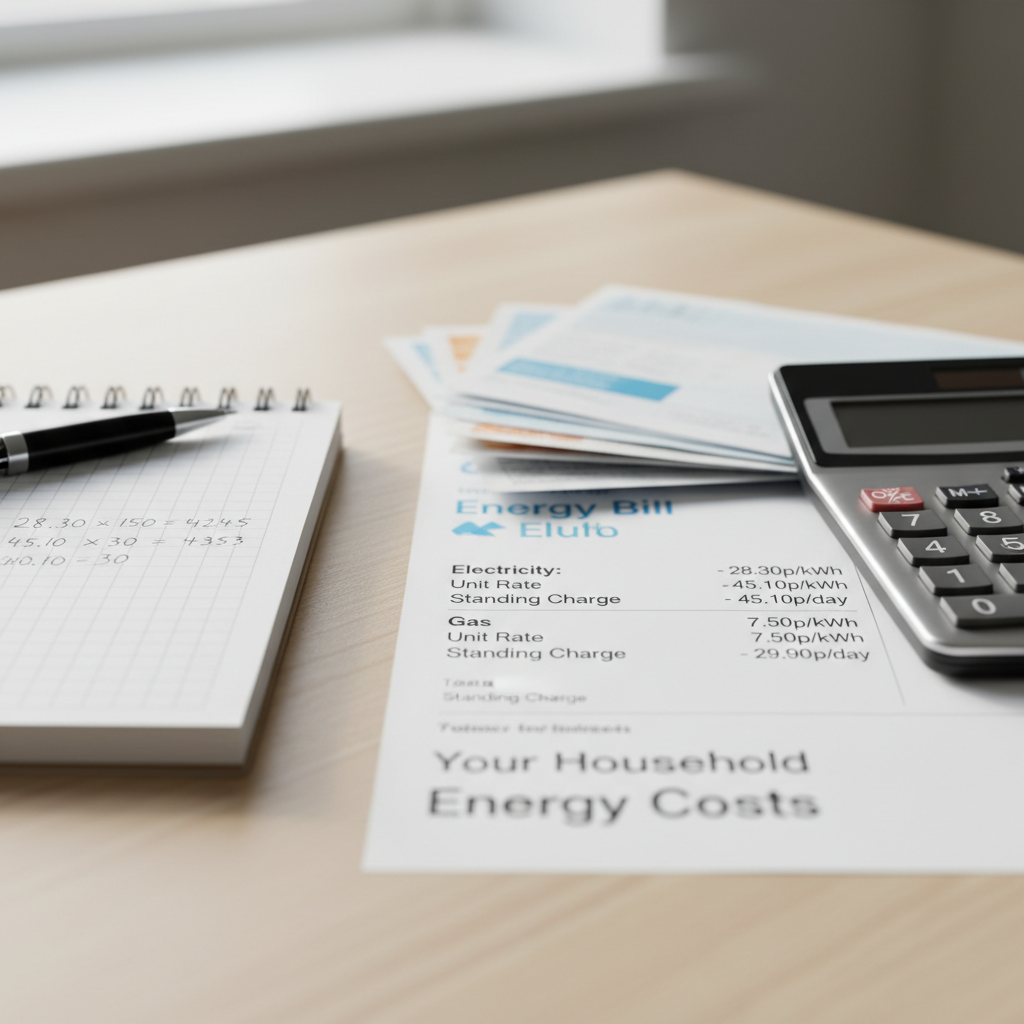
When the office moved into the spare bedroom, so did a chunk of your electricity bill. Monitors, chargers, kettles, heating a room all day — it all adds up. But with a few targeted changes, most home workers can cut their electricity use significantly without any impact on productivity.
Your Monitor Is One of the Biggest Culprits
A large desktop monitor can use 30–80 watts continuously. If you’re running two screens for eight hours a day, five days a week, that’s a meaningful chunk of your bill. Simple fixes: reduce screen brightness (screens at 100% brightness use noticeably more power), enable automatic sleep after 5–10 minutes of inactivity, and turn monitors fully off at the end of the day rather than leaving them on standby.
If you’re due an upgrade, newer LED monitors are significantly more efficient than older LCD panels.
Heat Only the Room You’re In
This is the biggest saving available to most home workers. Heating a whole house when you’re only using one room is expensive — but many people are hesitant to turn the central heating down and just heat their workspace. A small electric panel heater or oil-filled radiator in your home office, combined with turning the central heating down in other rooms, often works out cheaper overall — particularly during shoulder seasons like spring and autumn.
Use a plug-in energy monitor (£10–20 from most hardware stores) to see exactly what your heater is costing per hour.
Tame the Kettle Habit
The average home worker boils the kettle 4–6 times a day. Only fill it with the amount of water you actually need — a full kettle uses roughly 3x more energy than one filled for a single cup. A vacuum flask is even better: boil once in the morning, keep hot all day.
Smart Plugs and Standby Power
Devices on standby still draw power. Your router, printer, monitor, desk lamp, phone charger — they’re all quietly consuming electricity even when not in active use. A smart plug with energy monitoring (brands like TP-Link or Meross start from around £12) lets you see exactly what each device costs and schedule them to cut power when not needed.
Check Your Laptop vs Desktop Usage
If you have a choice, laptops are dramatically more energy-efficient than desktop setups — typically using 15–45 watts versus 150–300 watts for a desktop with monitor. If your work setup allows it, switching to a laptop-based setup is one of the highest-impact changes you can make.
Use Your Energy Tariff to Your Advantage
If you’re working from home full-time, consider whether a time-of-use tariff could work for you. Some tariffs offer cheaper rates during off-peak hours — running the dishwasher, washing machine, and charging devices during these windows can reduce your bill even if your core working hours remain unchanged.
Ready to cut your energy costs? Compare deals today and see how much you could save.
